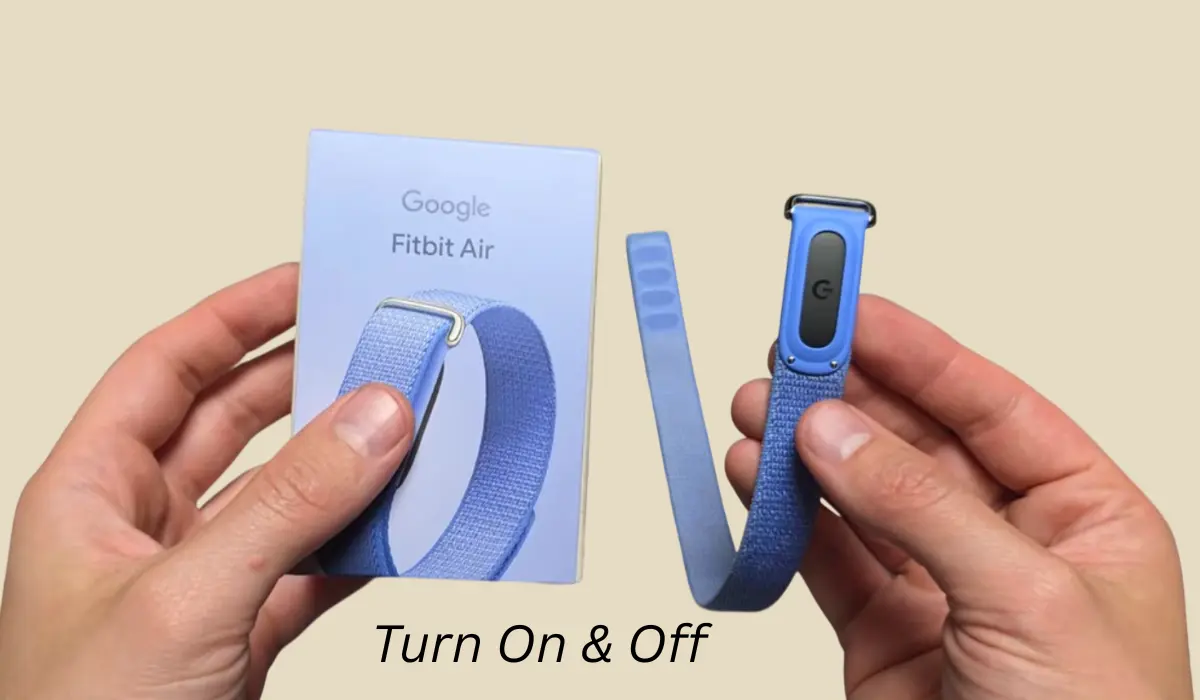

hey guys, if you recently purchased a Google Fitbit Air and don’t know how to use it then this blog post will be for you because in this I’m going to tell you how you can turn on and turn off your Fitbit Air Band.
In this post, I’m not going to tell you everything like the features and all of this Fitbit Air because I have already shared one blog post with you which you can read.
Contents
How to turn on Fitbit Air?
Many of you might be wondering how you can turn on your Fitbit Air because it really doesn’t have any physical buttons, as you can check on the bottom there is nothing which can be pressed actually to turn it on.
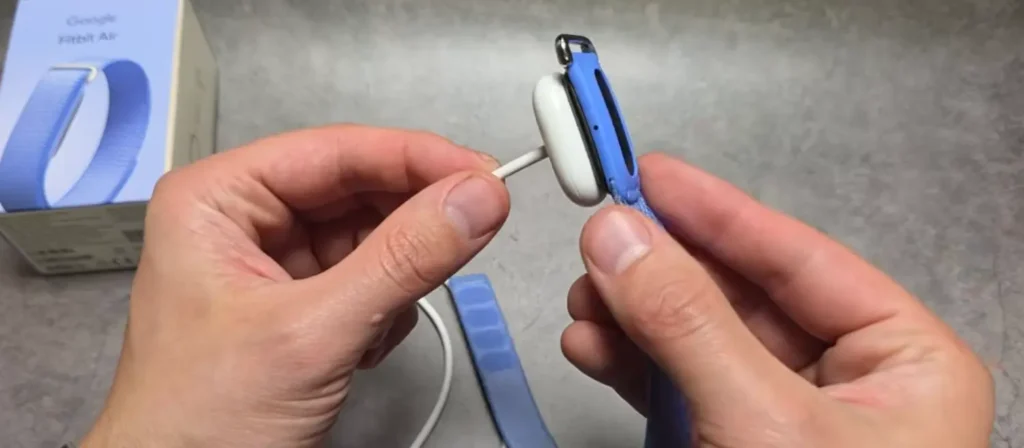
So how can we actually turn the Fitbit Air on? For this, we have to turn it on through the charger.
In the Fitbit Air box, you will get a charger and through that you can turn on your Fitbit. So how to do it is just simply plug in your charger and then plug it into power.
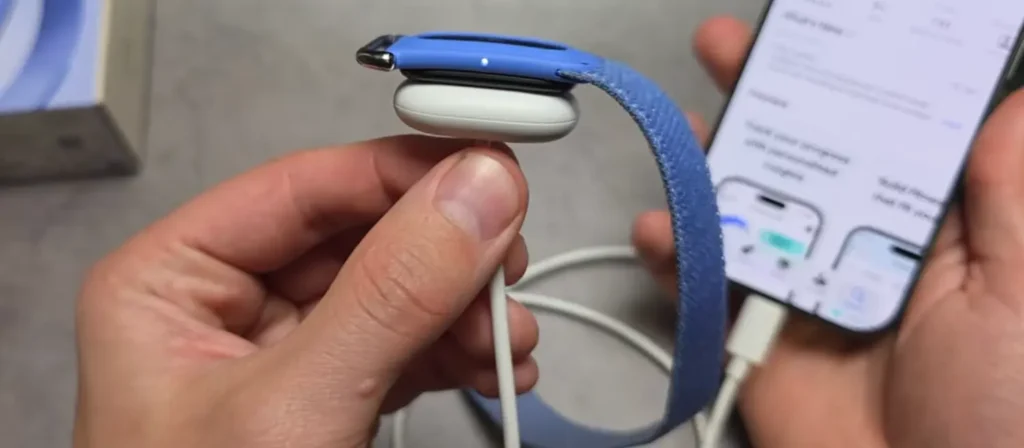
You can do this by simply plugging it into a wall adapter or even you can use your laptop, power bank, and not just this, but you can also charge this Fitbit through your phone and you will see it powers on.
How to pair Fitbit Air with your phone?
So once you turn it on, then you can also pair it with your smartphone by simply downloading the Google Health app from the Apple Store or Play Store.
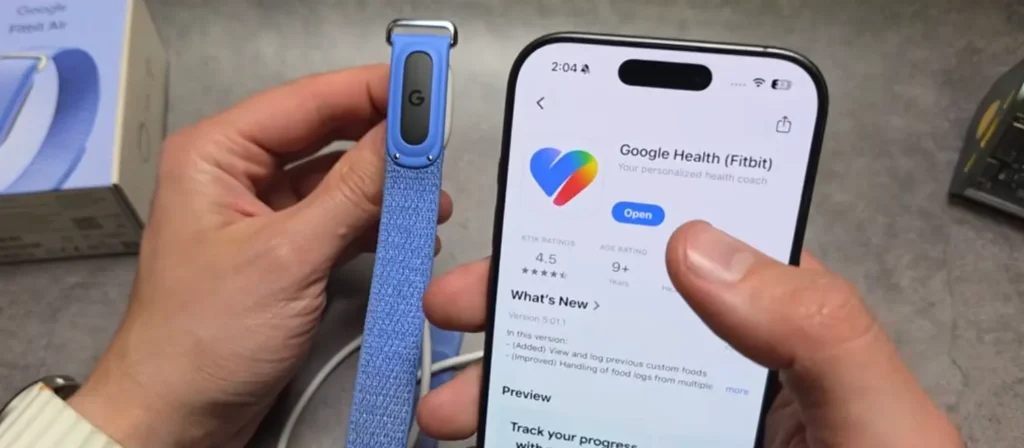
After installing the app, you have to click on add devices and then you have to select Fitbit Air. Once it gets added, then you can start using it.
How to turn off Fitbit Air?
So as of now, we have understood how we can turn it on, now let’s also talk about how to turn it off. So basically you just have to keep the Fitbit Air somewhere for a long time.
Because if you don’t want the battery to discharge, then unfortunately there’s no way you can turn it off.
So again, as the Fitbit Air doesn’t have any buttons, then the only way to turn it off essentially is simply letting it fully discharge and lose all its battery till it gets shut down.
And if again you want to turn it on, then you simply have to plug in a charger and your Fitbit Air will get turned on.
Conclusion
I personally believe that the Fitbit Air should have at least one button to turn it on or off. Even if they have not given any physical button to it, at least they should add an option in the Google Health app for turning it off.