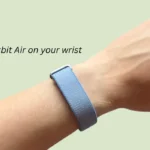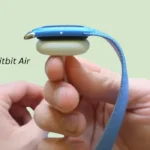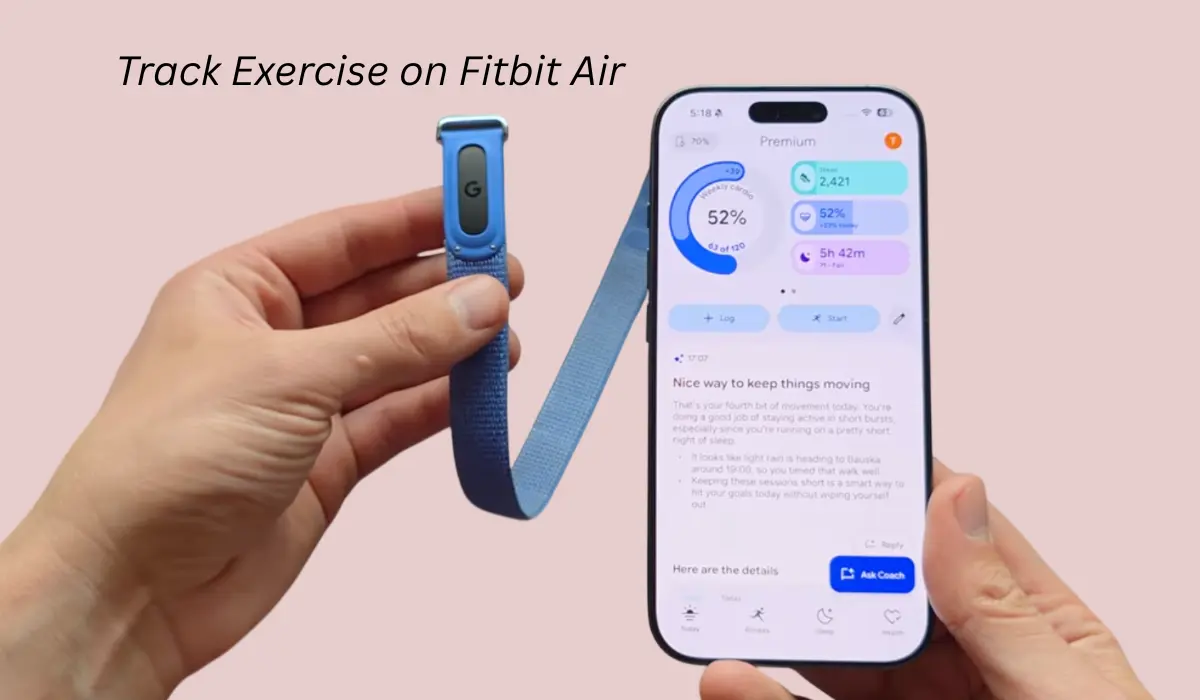

Hey Folks after writing article on How to wear Fitbit Air, many of you asked me in the comment section that How can we track exercise on this Fitbit air?
So first, if you are wondering that it is possible that you can start exercise straight from the device, then you are wrong because as there isn’t anything to praise or hold it to start the exercise, that’s why we cannot start exercise on the device and this is one of the biggest limitations I think of these Fitbit air.
But obviously, there is another way through. You can track your exercise, so let’s check that out and even we talk about a few limitations that can bother your daily exercise routine.
Contents
How to track exercise on Fitbit air?
As I have said before that, there isn’t any physical button on the device, but we can track it manually through the app and there is also another way that it has the automatic workout detection function, so let’s talk about it.
Way 1: Manual tracking via app
If you are one of those who want to track exercise, then you just have to simply go through the Google Health app and inside that app you will get the Fitness tab option, once you click. You will get access to all workouts and other stuff like you can track the workout.
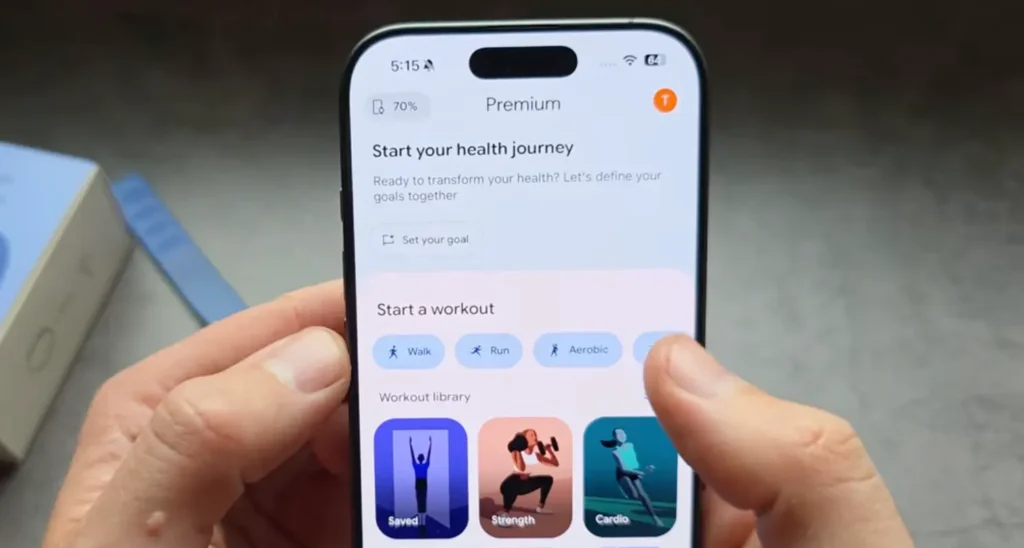
You press on the walk button, then it is going to start workout tracking when you’ll start the walk and also it’s basically connected through your phone’s range so it will also record the data from the GPS data as well.
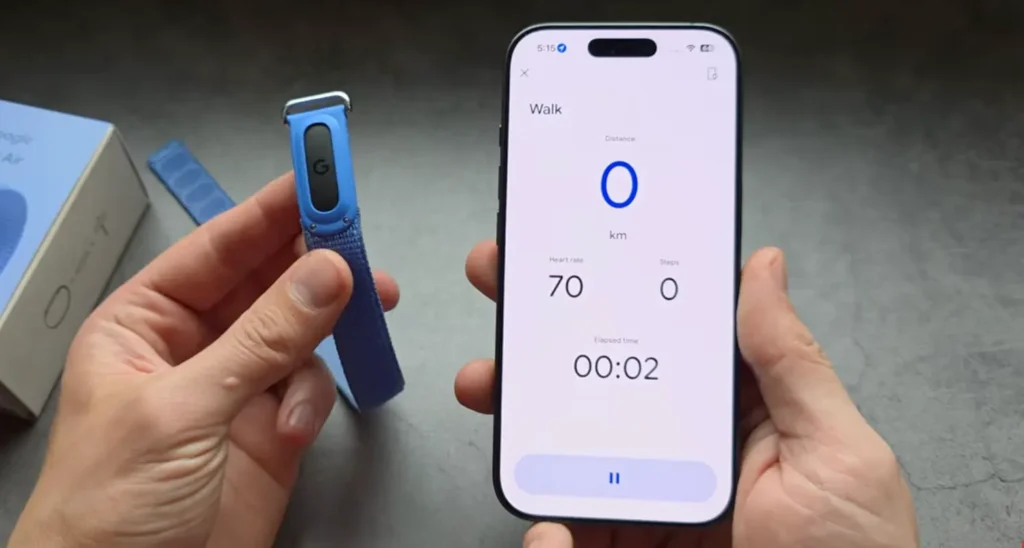
But what about afterwards? So the odd thing I have found here is, basically after you end the exercise, it actually won’t provide you the data over here, so it only appears maybe after 20 minutes or more and I think this is a huge delay.
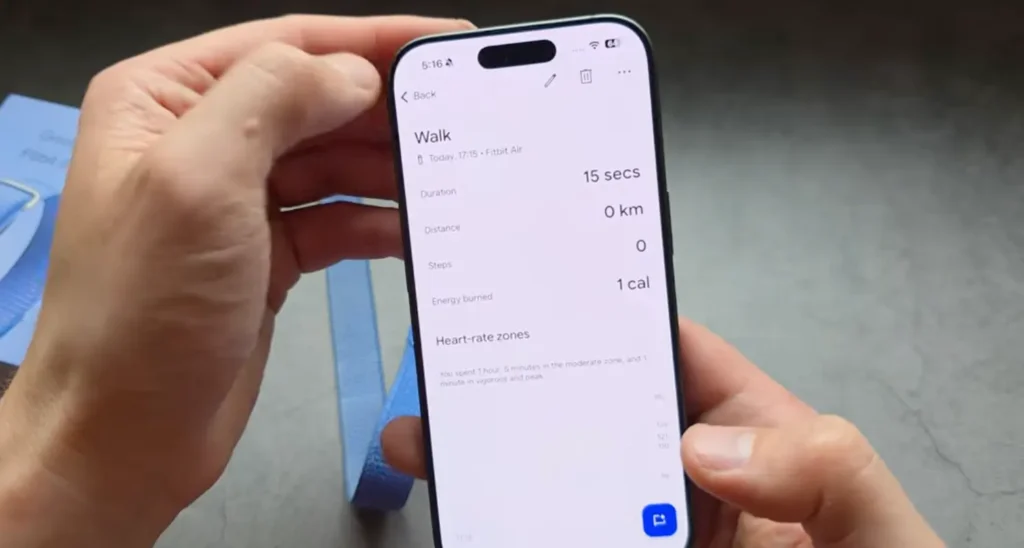
For example, I am sharing one image for reference that actually shows the data expansion, so here we can see much more data now like your map, heart rate zone, etc.
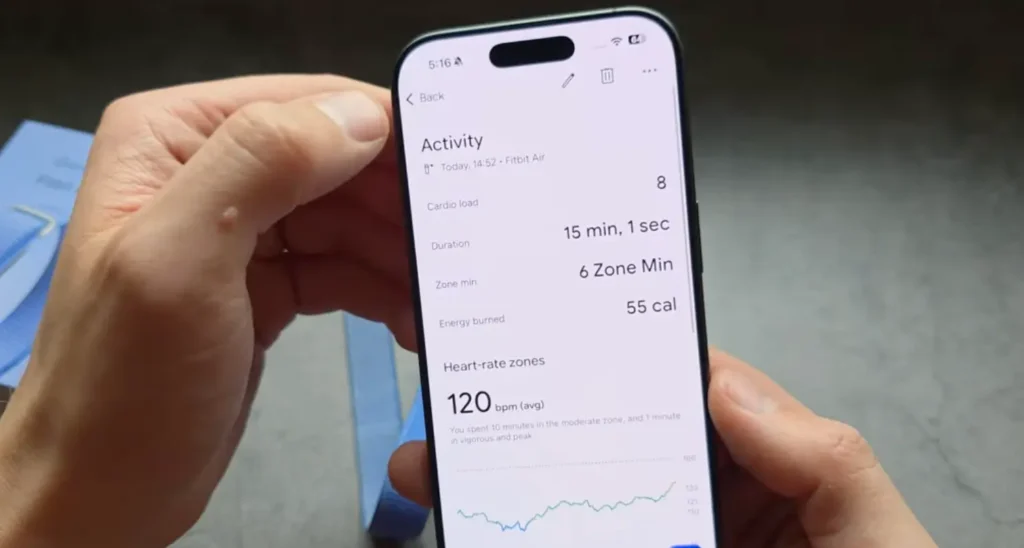
The overall, tracking exercise is very wonky on Google Fitbit air because it actually doesn’t record the map at all, but sometimes it does.
The very odd thing we should not ignore is that sometimes it takes a huge amount of time to show the data over here. I mean, this is all over the place with what the exercise tracking should be.
Read this Also: How to Turn On & Off Your Fitbit Air?
Way 2: Automatic Workout Detection
So as we have talked about the way where we have to do manual tracking, but there’s another option where you can track it by simply wearing this Fitbit air and just go for a walk or run, whatever you want to.
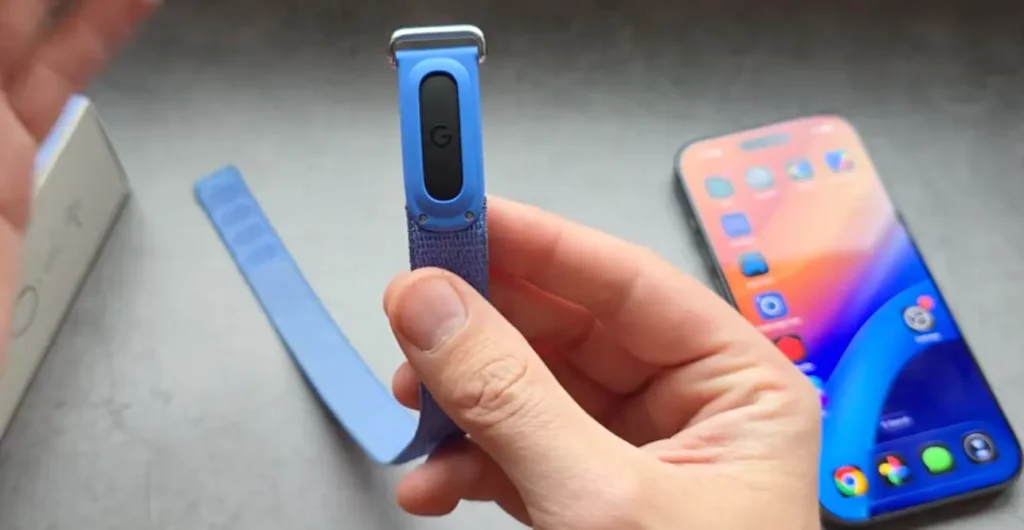
Eventually, this Fitbit air is always going to monitor your heart rate and after sometime it will understand how you are doing exercise and in what way you are going to do it, so it will be easy to track it as well.
But in automatic workout detection, I found a few limitations that could be a nightmare for you.
Limitation 1: Minimum time limit
In the Health app when we click at Google Health setting, activity detection, you can see the first thing there is a time limit.
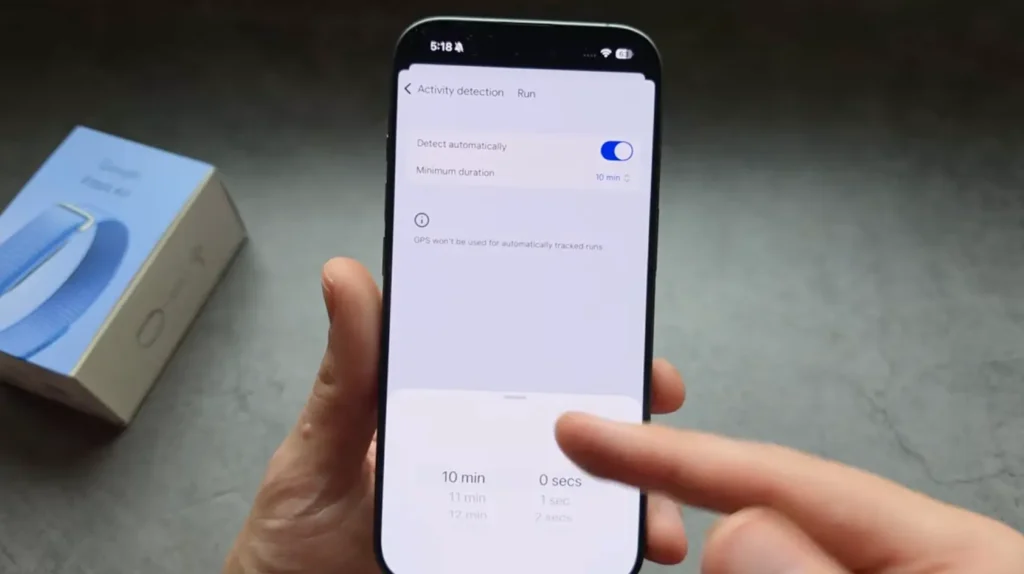
I mean, the minimum time limit you can set is 10 minutes, so by default it’s 15, so you have to change it down because this is very ridiculous in my opinion.
For example, if you run for eight or less than that minutes, then it will actually not going to save your data on your phone.
So if it won’t record the exercise then simply it’s not saving it, so this is really very stupid in my opinion and there is no way that you can decrease the limit to five minutes or whatever, so you just have to keep an eye on the 10 minutes minimum.
Read this Also: How to Connect & Pair Fitbit Air to iPhone?
Limitation 2: No GPS in auto mode
In the way we saw that manual exercise tracking has the GPS detection, but for the automatic tracking there is no GPS mode, which is a negative point for me.
Basically, you cannot see map data wherever you have been, so basically you will not get the actual distance.
Yes, again the automatic tracking mode does not use the GPS and this is one of the craziest limitations for me. This has to be changed.
Conclusion
Hey folks, although the manual tracking via app is the best way, I would say, for Fitbit hairband because tracking your walk, heartbeat rate, exercise is easiest and it does show you much more accurate data on Google Health app.
If you are serious about tracking your exercise, then I don’t think automatic workout detection will work for you as there are a few limitations.