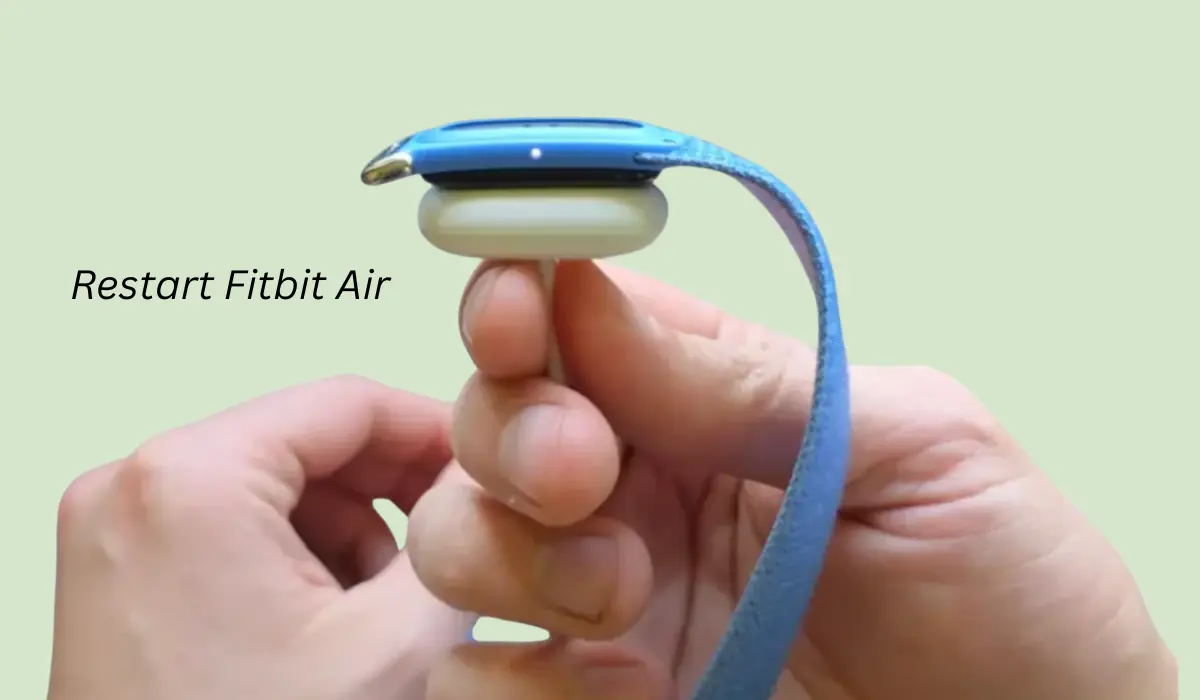

Many people after buying Fitbit want to restart the device, but they don’t know how to do it.
Some people even want to restart their Google Fitbit because it may be frozen, not responding, or it could have other problems.
So to solve such problems, restarting Fitbit is the simplest solution and for this you just have the charger which comes inside the box.
Contents
How to restart Fitbit Air?
A Week ago my Fitbit Air got stuck and was not responding properly, so I mailed the Fitbit Air support team, and they shared these steps with me which actually worked and my Fitbit Air got rebooted.
Step 1: Put Device on Charge
So to restart your Fitbit, you just have to simply plug it in and give it power. In the Fitbit box you’ll get a charger and you can use it on any Type-C port.
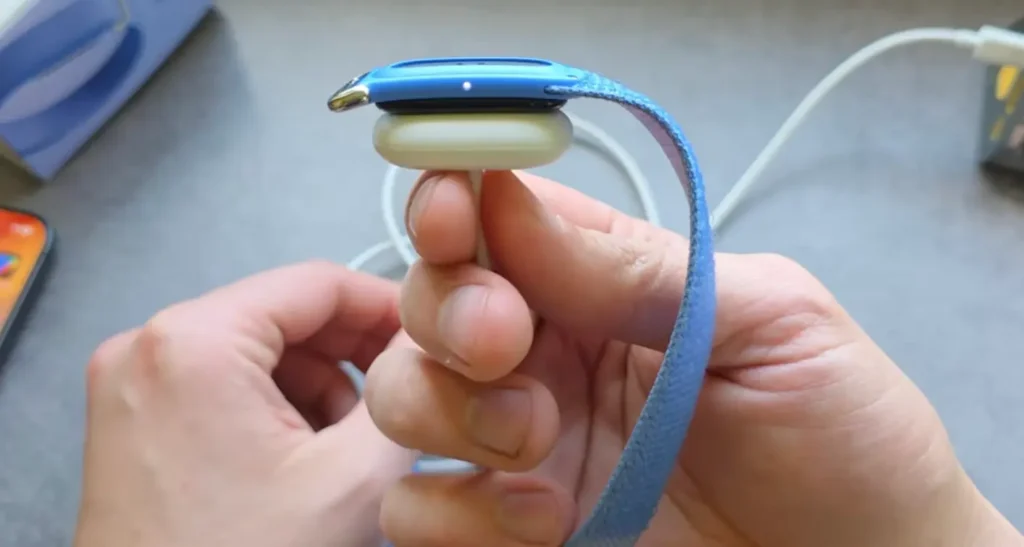
You can even plug it and give power through a power bank, so just do it, and once the charger is plugged in, the light will appear as shown in the reference image.
Step 2: Hold Button for few Seconds
Now we also have to press the small button for around 10 to 15 seconds. After holding that button, it will eventually turn on and the light will turn on.
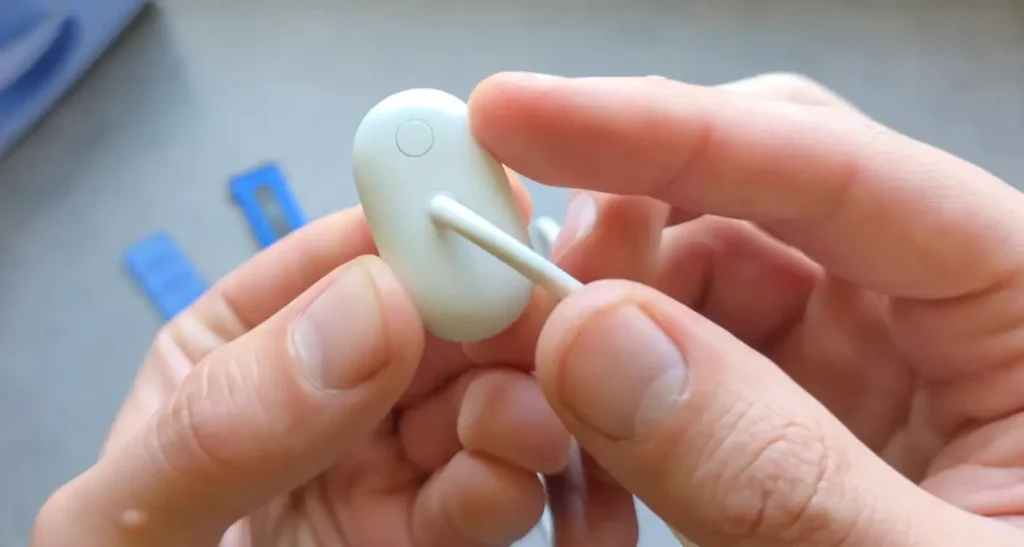
So you just have to focus and hold it for 15 seconds because once the light is on, it will also start vibrating and then it will boot up.
Step 3: Ready for Pairing
While doing this restart, make sure that you are not pressing the button very tightly, as an aggressive press can damage the button.
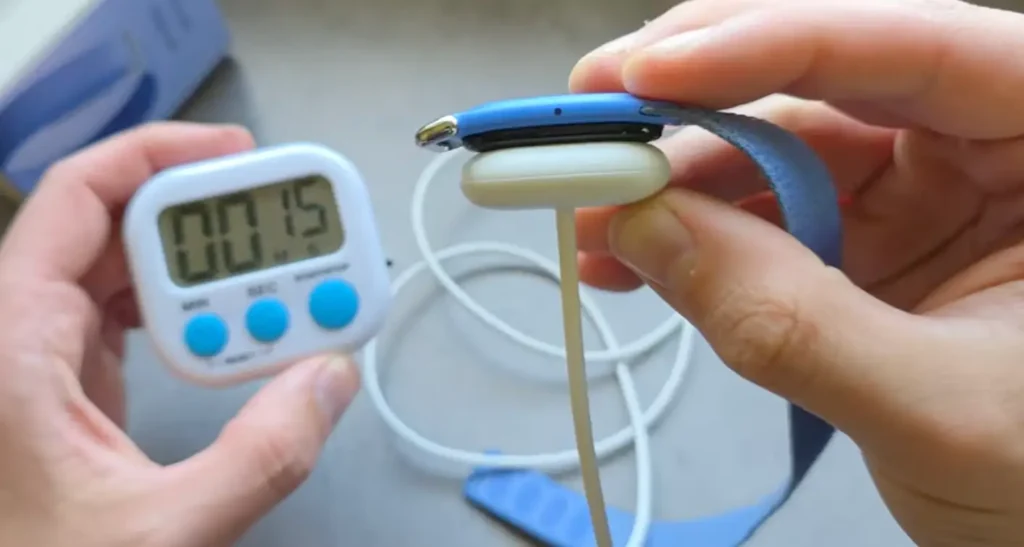
Once the 15 seconds are done, you quickly have to remove your finger from that button and yeah, it will get restarted.
Read this Also: How to Track Exercise on Fitbit Air?
Conclusion
In this post I shared the easiest way to restart Fitbit Air. You don’t have to visit any service center for this, you can do it all by sitting at your home. Also, after a soft restart, you will also get the pairing option.