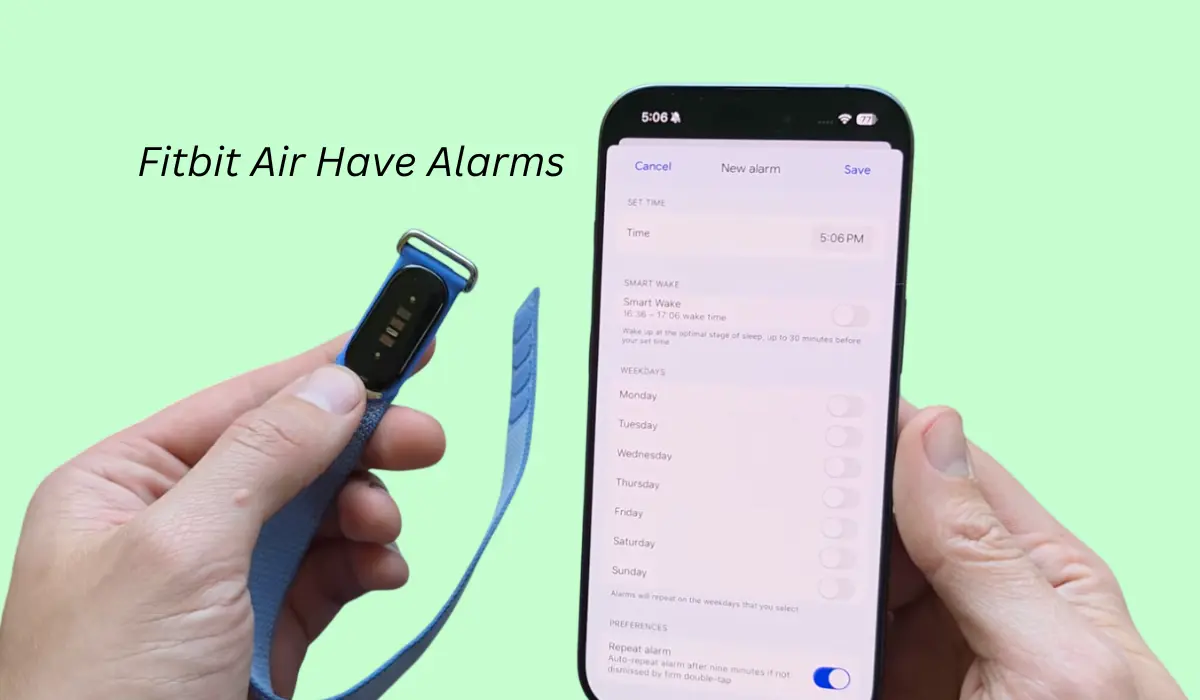

Fitbit air is right now one of the most trending bands available in the market and you might be wondering does it come with an alarm?
Then, yes, even if this is a tracker, but still you get the alarm feature and you can even set one.
So in this blog post, I am going to tell you the best and easiest way to set alarms in your Fitbit air tracker.
Contents
How to set alarm in Fitbit Air?
Setting an alarm on Fitbit air is very simple. As this is a tracker and it doesn’t have any button or screen on it, so to set an alarm we have to use an app.
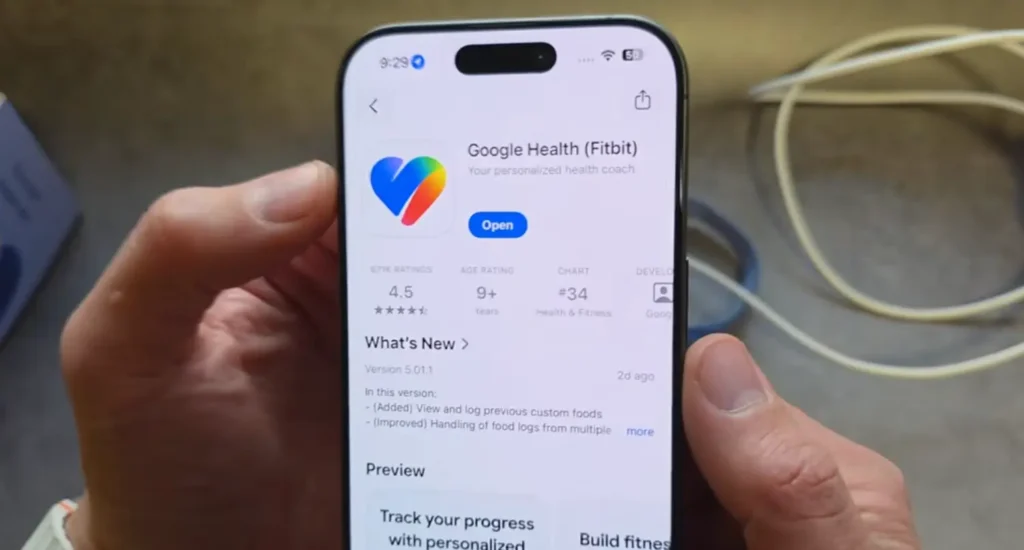
That app’s name is Google Health app and you can download it from Play Store or App Store. Once you have installed it, just pair your device and once your Fitbit gets connected then you will see the alarms option on it.
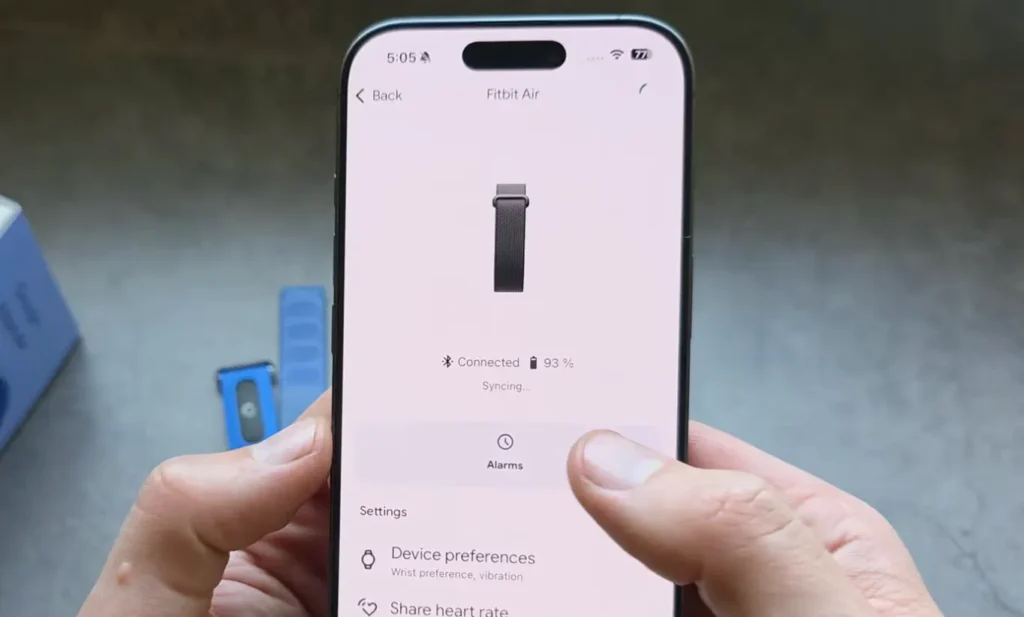
Now click on the set new alarm button and there you will see an option to change the time.
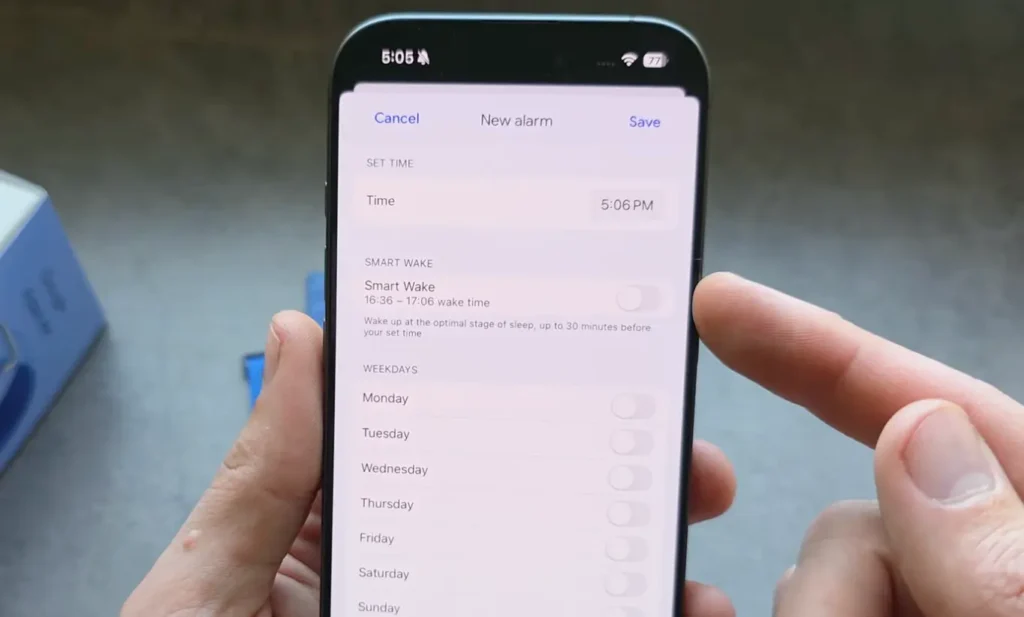
Also, there is one smart wake alarm as well, so the Fitbit can sense your sleep stages, and after analyzing your data it will wake you up at the best suitable time when you would feel the most rested.
Read this Also: Does the Fitbit Air Track Steps?
Can we change the alarm tune?
Yes, this tracker has that option so in the app, you will get alarm sound settings where you can change a few tunes. Also, it will give you a repeat mode.
How to dismiss the alarm?
There is no button on the watch, but once the alarm starts and your band actually vibrates, if you want to dismiss it, you have to simply double tap on it. Once you do that, your alarm will get dismissed.
Does the Fitbit air have vibration mode?
Right now, I have only explored the one vibration through the alarm so I don’t think there is any other vibration mode in it.
Conclusion
So far, I have been using this watch for alarms too and I have seen pretty decent results. The alarm actually does its work and the vibrations are also good enough to wake you up.