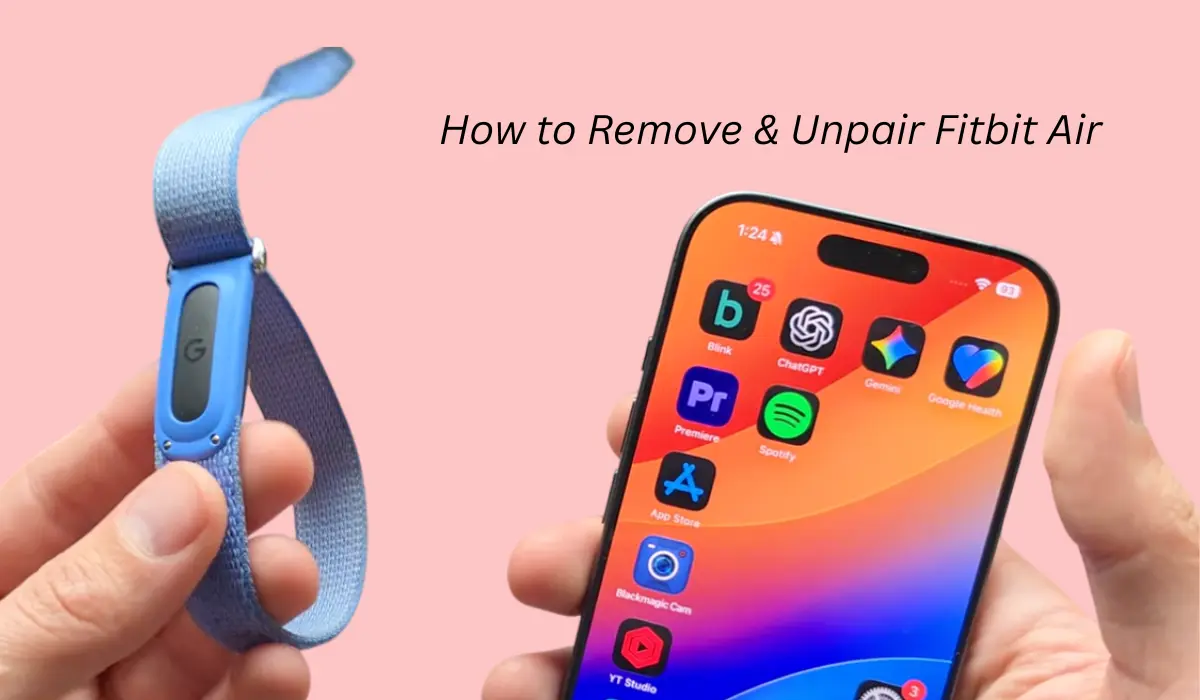

Fitbit air is a newly launched fitness tracker which comes with many features, and recently I wanted to remove or unpair it from the app, which turned out to be a bit of an issue.
So if you are also a Fitbit user and looking to unpair it from the Google Health app and facing issues, then please read this post.
How to unpair Fitbit air from Google Health app?
If you want to sell this device or give it to someone else, you probably need to unpair it first.
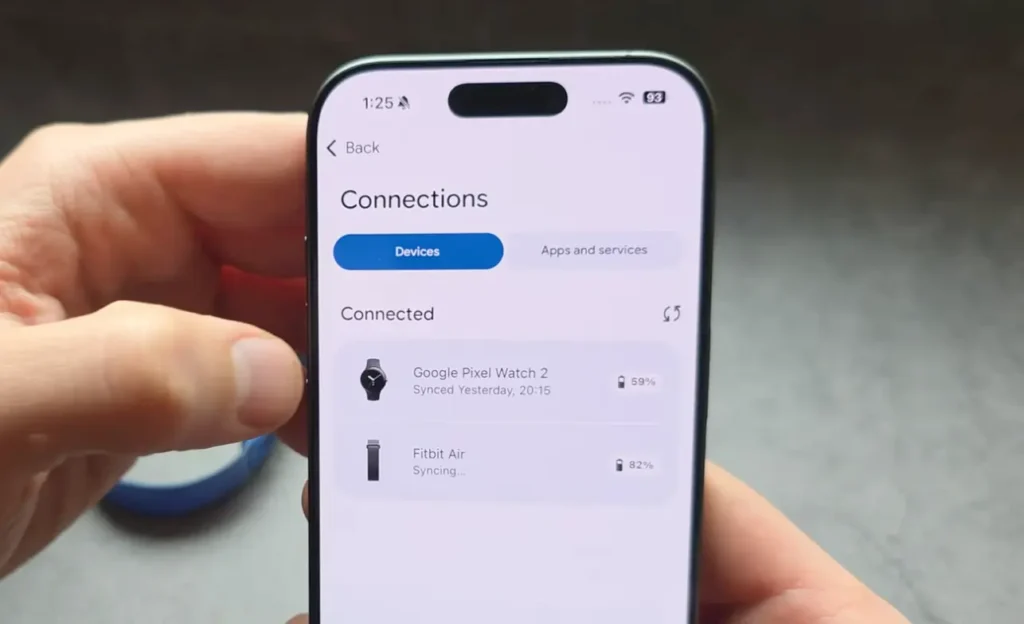
Unpairing the device is a very easy thing. You just have to open the Google Health app, then at the top you will see the device section. Click on Fitbit air.
Now swipe down and you will see the system section, then click on the disconnect option. Once you press it, it will reset all the settings and get your device disconnected. So basically this feature will unpair and remove your Fitbit air from the Google Health app.
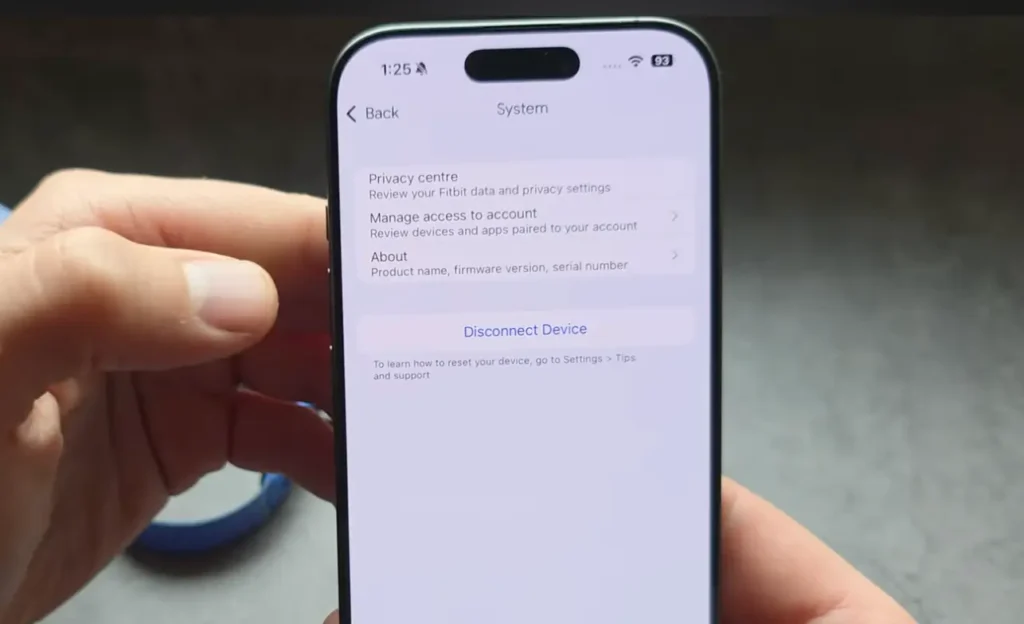
Once it gets unpaired from your Google Health app, it can then be easily paired with another device.
Read this Also: Can’t Connect Your Fitbit Air? Try This to Fix it
What if it’s still paired to an old account?
If the tracker is currently paired to another device, then you cannot get it connected to a new device. Basically the app doesn’t find it because it might still be paired with the older account.
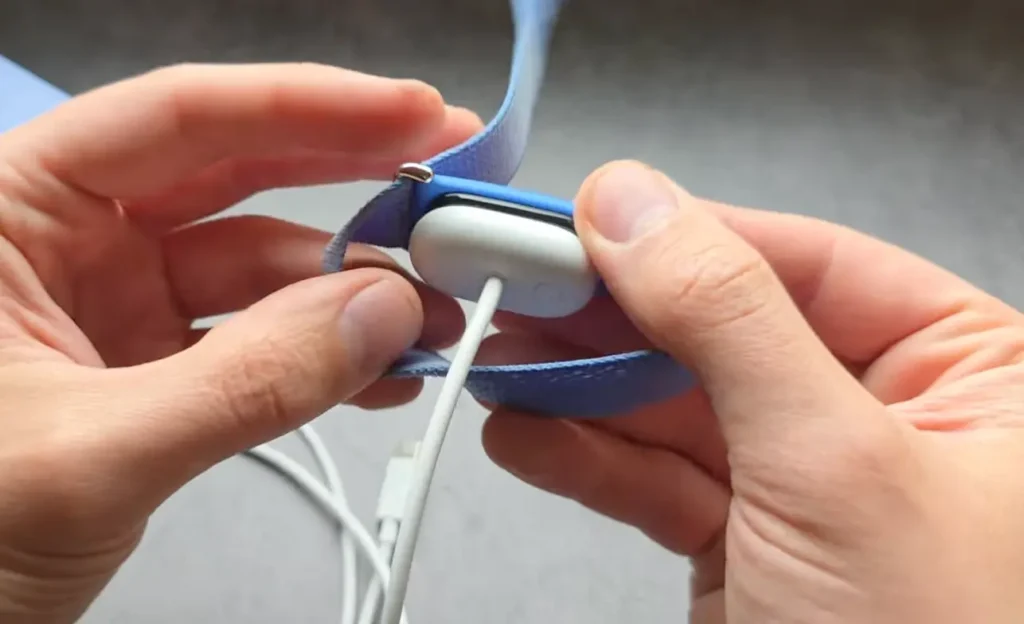
In that case, you have to force the tracker to reset. For that, I already shared an article where I talk about how you can restart Fitbit Air, and for this you need to take your charger, plug it in, press the button for 15 seconds, and so on.
Conclusion
To unpair Fitbit air, you simply need the Google Health app, and inside the settings you can remove the device. If you don’t have access to that, then obviously it will need a hard reset.