Skip to content
-
Subscribe to our newsletter & never miss our best posts. Subscribe Now!
Newslal Guide
Newslal Guide
  • How to
  • Fitbit Guide
  • Comparison
  • Reviews
  • Fitbit Air Tricks
  • How to
  • Fitbit Guide
  • Comparison
  • Reviews
  • Fitbit Air Tricks
Close

Search

  • https://www.facebook.com/
  • https://twitter.com/
  • https://t.me/
  • https://www.instagram.com/
  • https://youtube.com/
Subscribe
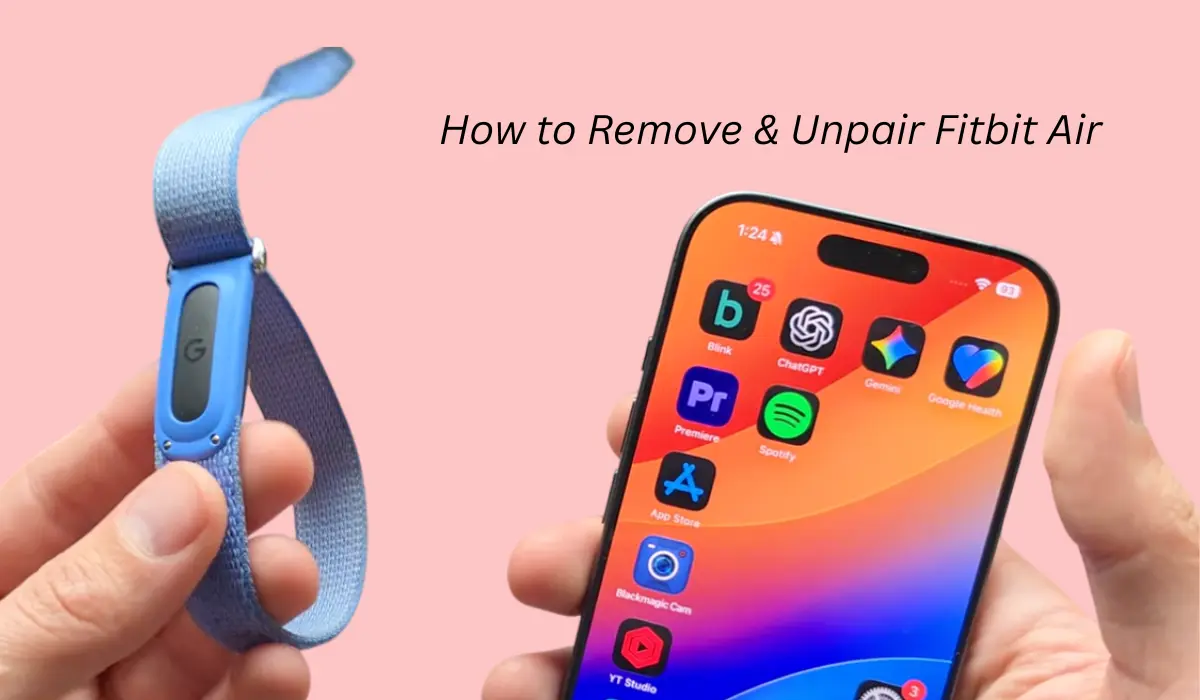
How to Remove & Unpair Fitbit Air
Fitbit Air GuideHow to

How to Remove & Unpair Fitbit Air?

By Akash Dhonde
June 23, 2026 2 Min Read
0

Fitbit air is a newly launched fitness tracker which comes with many features, and recently I wanted to remove or unpair it from the app, which turned out to be a bit of an issue.

So if you are also a Fitbit user and looking to unpair it from the Google Health app and facing issues, then please read this post.

How to unpair Fitbit air from Google Health app?

If you want to sell this device or give it to someone else, you probably need to unpair it first.

Unpairing the device is a very easy thing. You just have to open the Google Health app, then at the top you will see the device section. Click on Fitbit air.
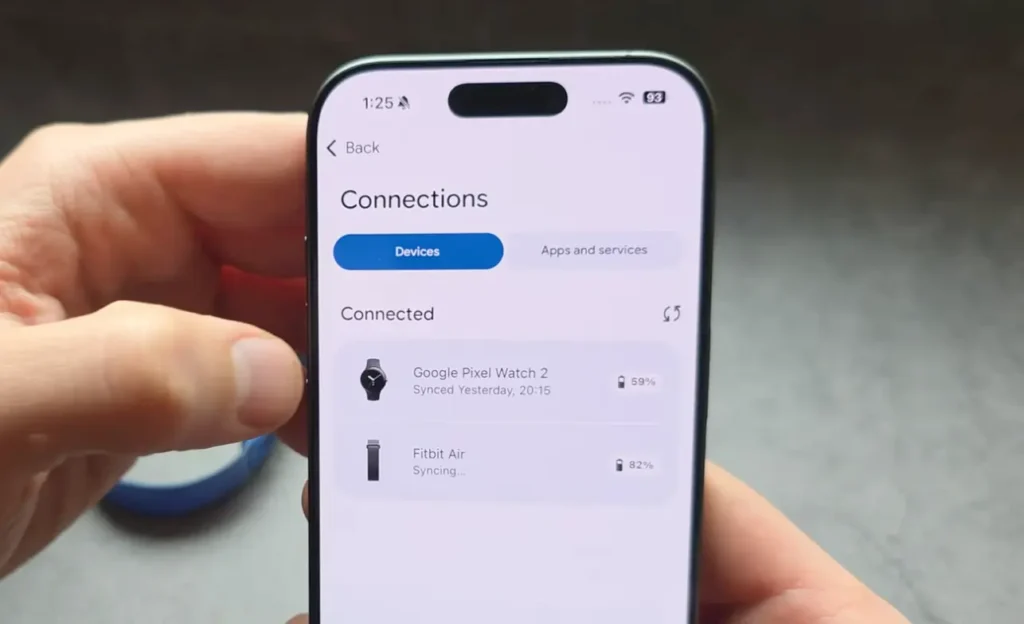
Now swipe down and you will see the system section, then click on the disconnect option. Once you press it, it will reset all the settings and get your device disconnected. So basically this feature will unpair and remove your Fitbit air from the Google Health app.
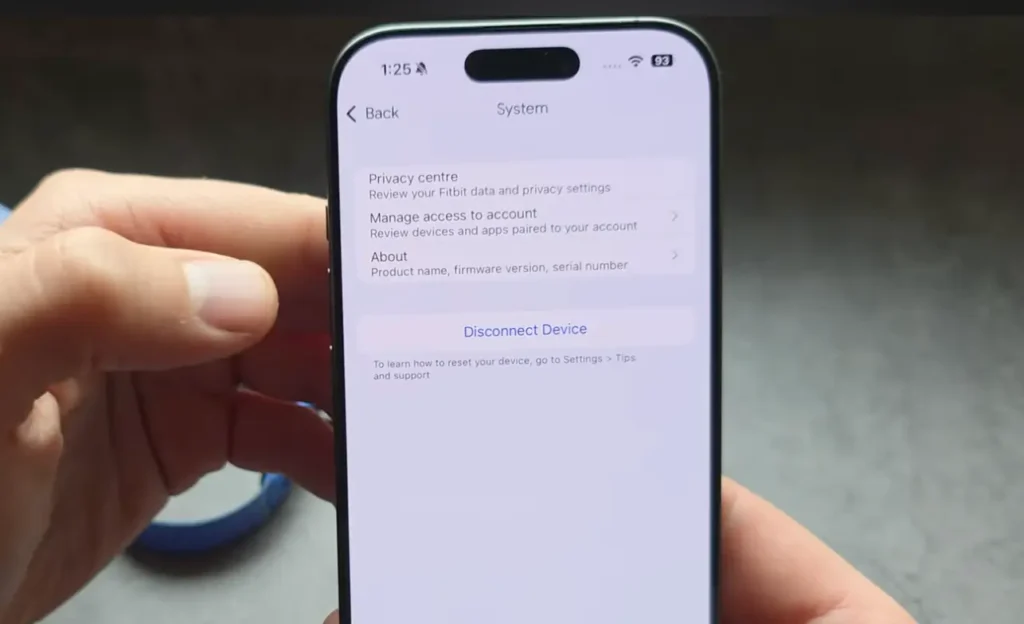
Once it gets unpaired from your Google Health app, it can then be easily paired with another device.

Read this Also: Can’t Connect Your Fitbit Air? Try This to Fix it

What if it’s still paired to an old account?

If the tracker is currently paired to another device, then you cannot get it connected to a new device. Basically the app doesn’t find it because it might still be paired with the older account.
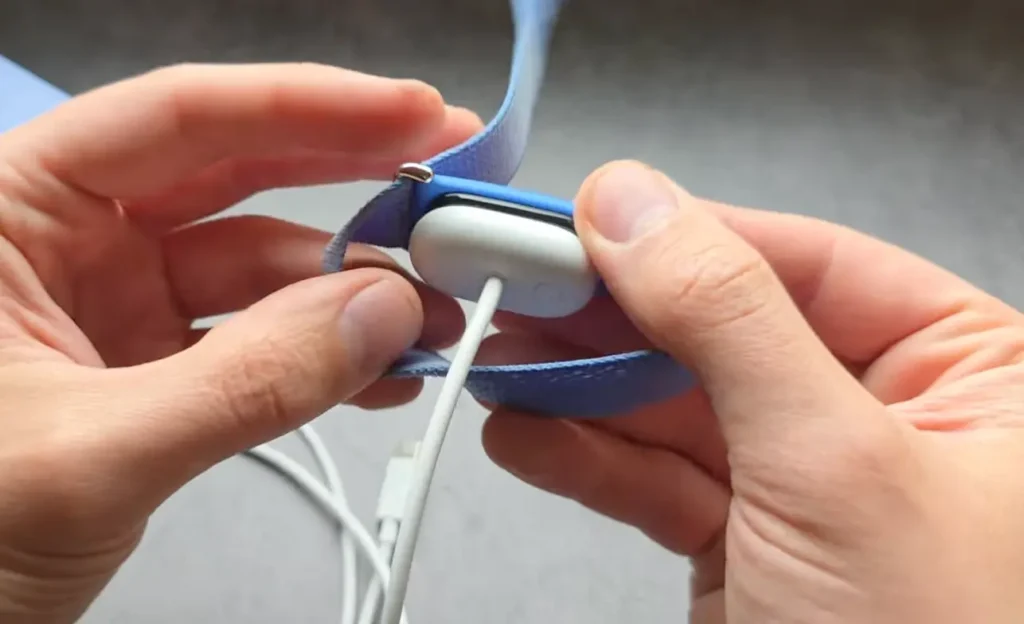
In that case, you have to force the tracker to reset. For that, I already shared an article where I talk about how you can restart Fitbit Air, and for this you need to take your charger, plug it in, press the button for 15 seconds, and so on.

Conclusion

To unpair Fitbit air, you simply need the Google Health app, and inside the settings you can remove the device. If you don’t have access to that, then obviously it will need a hard reset.

Tags:

Fitbit AirUnpair Fitbit Air
Author

Akash Dhonde

Hi, myself Akash Dhonde. I am a Tech Savy person from India, love to write content, and on this website, I only post articles related to Google’s Fitbit Air.

Follow Me
Other Articles
Can't Connect Your Fitbit Air
Previous

Can’t Connect Your Fitbit Air? Try This to Fix it

Can you Track Floor on Fitbit Air
Next

Can you Track Floor on Fitbit Air? Does it Have an Altimeter or barometer?

No Comment! Be the first one.

Leave a Reply Cancel reply

Your email address will not be published. Required fields are marked *

Recent Posts

  • 8 Hidden Features of Fitbit Air Most Users Miss
  • Is Fitbit Air Waterproof? Can we wear it while Swimming
  • Fitbit Air vs Fitbit Charge 6 – Which is Best Tracker in 2026?
  • Fitbit Air Vs Apple Watch – Comfort and Accuracy Comparison 2026
  • Fitbit Air vs Amazfit Helio Comparison – Which Screenless Tracker Should You Get?

Archives

  • July 2026
  • June 2026

Categories

  • Comparison
  • Fitbit Air Guide
  • Fitbit Air Tricks
  • How to
  • Reviews

Welcome to Newslal: In this blog you can learn everything about Google Fitbit Air, from tracking exercise to understanding all its features. We also share Fitbit Air Comparisons with other Tracking Devices.

Pages

  • About Us
  • Cart
  • Checkout
  • Contact Us
  • Disclaimer
  • DMCA
  • My account
  • Privacy Policy
  • Shop

Copyright 2026 — Newslal Guide. All rights reserved. Blogsy WordPress Theme