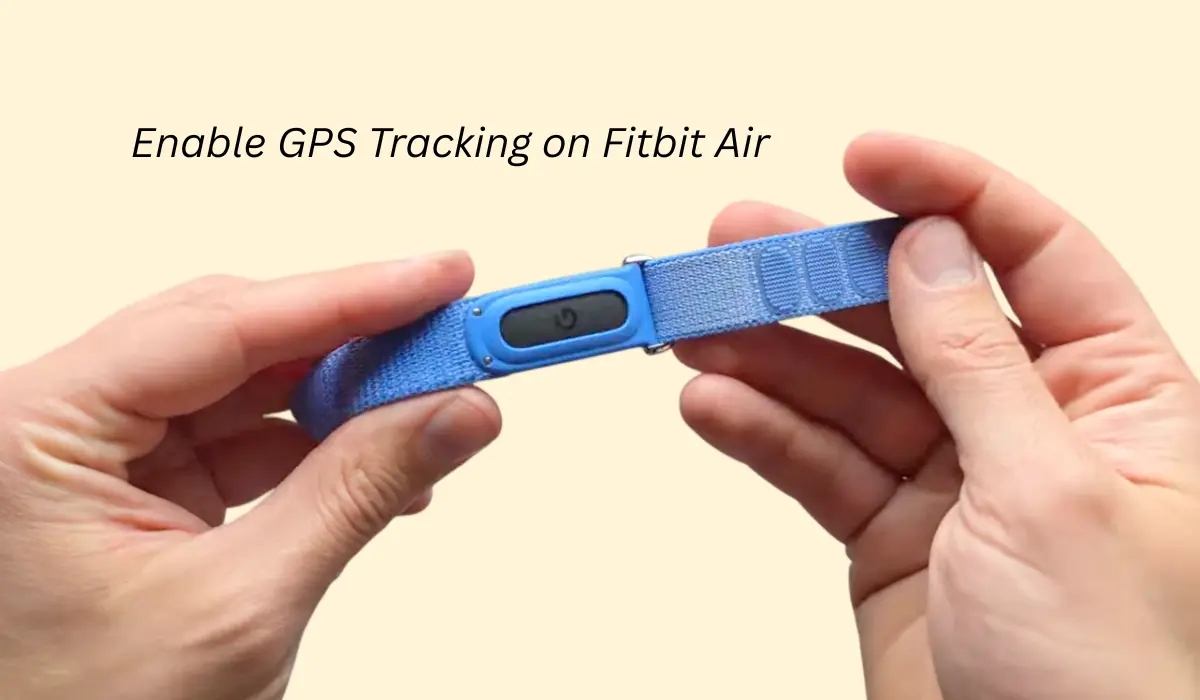

I am using this Fitbit Air for the last many days and to be honest this band has one of the best tracking possible, but do you know that you can even enable GPS tracking?
Yes, you heard it right, so the Fitbit Air does not come with any internal GPS tracking but you can still track it by relying on your phone’s GPS.
So if you are also looking forward to GPS tracking or location data, then by default, it is actually not locking the location, which is quite odd, so we will understand how to enable GPS tracking.
Contents
How to enable GPS tracking on Fitbit Air?
So as I said earlier that Fitbit Air has no internal GPS, so eventually your phone’s GPS will work. Now how to do it, we’ll see through the steps.
Step 1: Enable GPS from app
If you want to enable the GPS, then there are two ways but the simplest one is you have to open your Google Health app. There, once you click on Fitbit, basically when you first launched it there was a prompt of allowing location tracking which you have to give permission to.
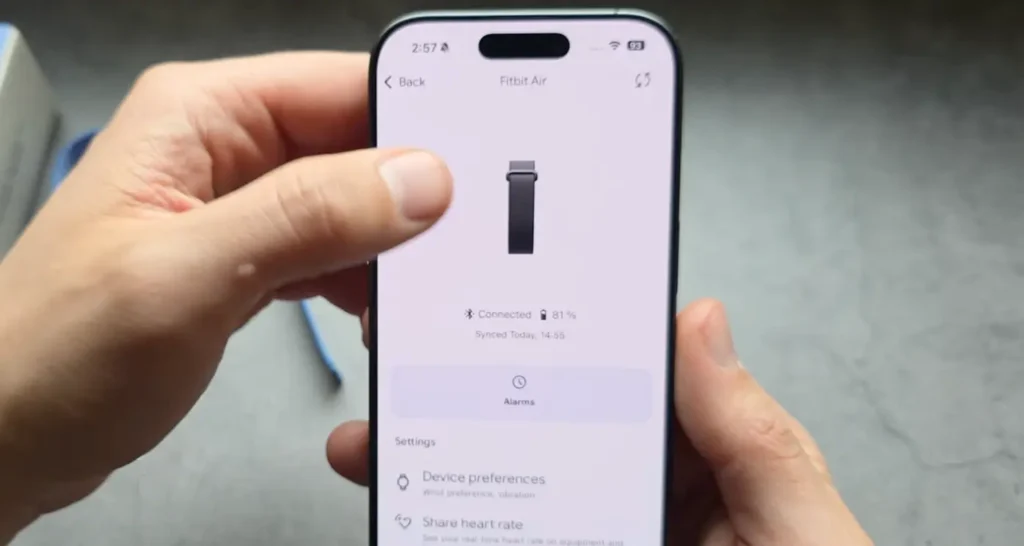
But also, even if you enable it, it still wasn’t actually tracking your location, so for that you have to set the location. So follow step two.
Step 2: Set location to always on phone settings
Now, if it’s not picking your location, then you have to go to your phone settings and then go to the app settings. In that app, once you scroll you will find permissions.
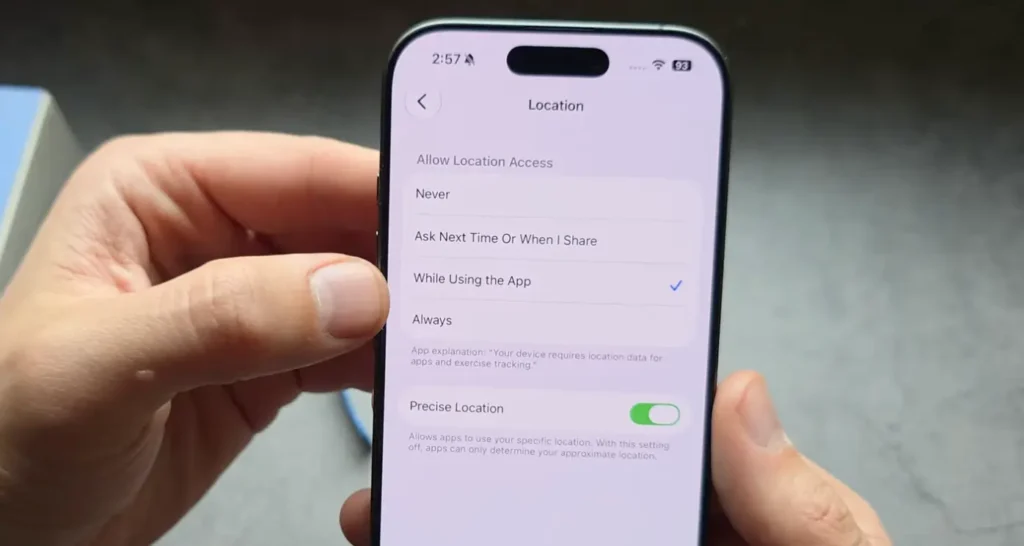
For iPhone you have to click on app settings and from there find the Google Health app, and for Android you just have to go to app settings and then give the location permission to it.
You have to set it as “Always” and then you don’t even need to open your app, so it will simply track your GPS location for mapping.
Step 3: Start exercise manually from app
As we have enabled the GPS tracking through the phone, you can get this tracker to track all the exercises using GPS through the phone app.
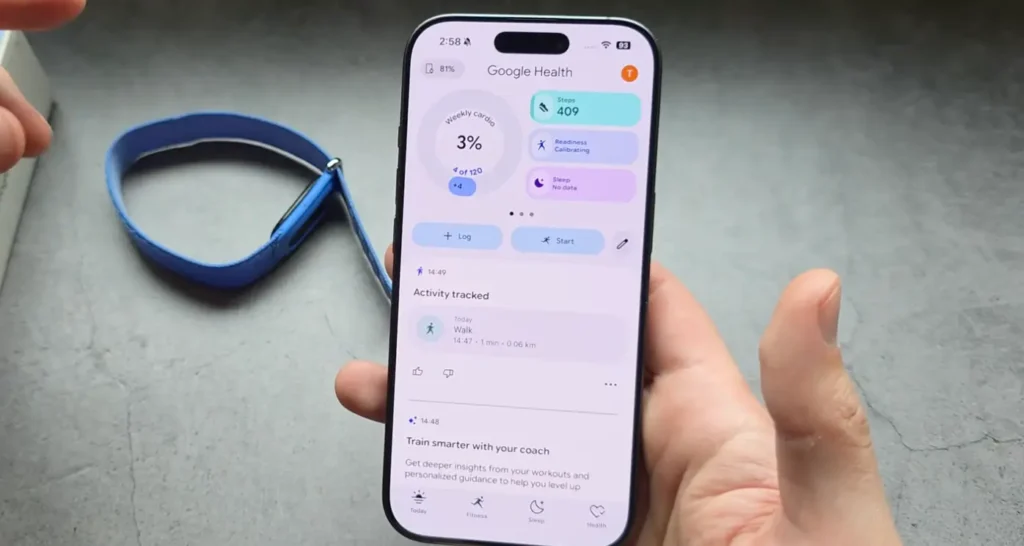
So if you are into fitness or usually work out, then you have to follow these things because mapping is one of the easiest ways to track your exercise.
Conclusion
As we all know that the automatic tracking does not have GPS, which is a very odd thing in my opinion, but you just have to enable whatever I have shared in this article and from that, through your phone, the GPS tracking will start so you can track your exercise through your phone manually.